
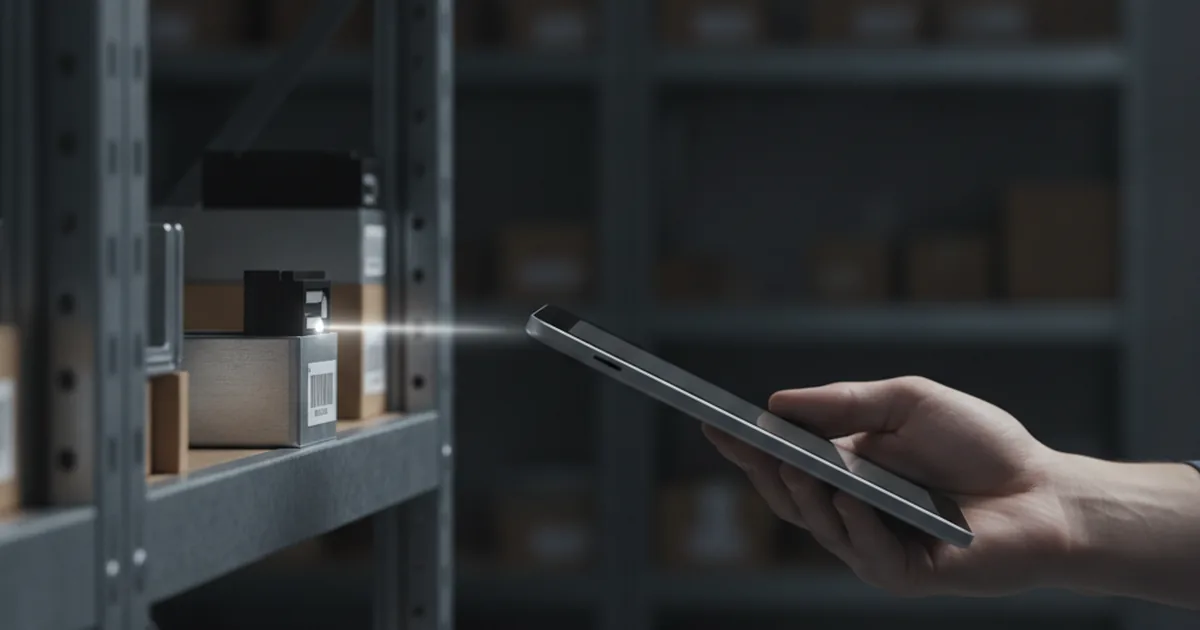
Build a custom mobile app for spare-parts inventory when a CMMS parts module can't match the plant's storeroom layout, serialized-parts tracking, or ERP integration. The architecture that matters: a data model that separates serialized from bulk parts, offline-first sync with conflict resolution for the storeroom, barcode or RFID scanning hardware suited to the floor, event-driven integration that avoids a second source of truth, and role-based access with an audit trail for compliance.
Most plants that go looking for a "spare parts inventory app" land on the same shortlist: comparison pages for CMMS platforms, each with a parts module bolted onto work-order management. That's the right answer for a plant whose storeroom fits a standard model. It's the wrong answer for an engineering team whose storeroom doesn't, whose serialized spares need individual tracking, or whose existing ERP already owns the part master and won't tolerate a second one.
For those teams, the alternative isn't choosing a different vendor, it's building the inventory tracking layer to match the plant instead of adapting the plant to a generic module. That's why some engineering teams bring in a custom mobile app development company rather than stretching a CMMS module to fit a storeroom layout, an ERP schema, or a shift workflow it wasn't built for.
This guide skips the vendor comparison entirely and focuses on the architecture decisions that determine whether a custom spare-parts app actually survives contact with a working storeroom: the data model, the offline sync strategy, the scanning hardware, the integration pattern, and the access controls a compliance audit will eventually ask about.
Why Some Manufacturers Build a Custom Spare-Parts App Instead of Buying a CMMS Module
A generic CMMS parts module works well when a plant's storeroom, parts catalog, and workflow all fit the assumptions the vendor built in: one bin per part number, a single reorder threshold, and a work-order system that already lives inside the same platform. Several situations push past that fit:
- Non-standard storerooms. Multiple satellite cribs feeding one line, consignment stock owned by a supplier, or bins that map to physical zones rather than part categories don't map cleanly onto a flat parts list.
- An existing ERP or MES that already owns inventory. If the part master already lives in SAP, Oracle, or a custom MES, a second independent inventory system in the CMMS creates two sources of truth that drift apart within weeks.
- Shift-specific or role-specific workflows. Plants running continuous shifts with different counting, requisition, or sign-off rules per shift often find a generic module's permission model too rigid to configure around.
What Should the Data Model Look Like for Parts, Bins, and Work Orders?
The data model is the part of this architecture that CMMS buyer's guides skip entirely, because the vendor already fixed it. Building a custom app means making these decisions deliberately.
Core entities: parts, locations/bins, assets, work orders
A workable model needs at least four linked entity types, not one flat table trying to serve all of them:
- Parts: the catalog record, part number, description, unit of measure, and supplier reference, independent of how many are in stock or where.
- Locations/bins: the physical storeroom hierarchy, crib, aisle, shelf, bin, each capable of holding a quantity of one or more part types.
- Assets: the equipment a part gets consumed against or installed into, linked for traceability back to a specific pump, line, or machine.
- Work orders: the maintenance task that triggers a parts transaction, tying a pull or install to a technician, a timestamp, and a reason.
Modeling these as separate, linked entities is what lets the app answer questions a generic parts list can't, such as which specific pump a serialized bearing was installed into, or which work orders drew from a bin now showing a count discrepancy.
Serialized parts vs. bulk/consumable parts
This is the biggest modeling decision, and the one most CMMS parts modules handle poorly because they're built around a generic "item" abstraction. Two different tracking needs exist side by side in almost every storeroom:
- Serialized parts, a specific gearbox, motor, or control board with its own unit identifier, need a record that follows that individual unit: where it currently sits, when it was installed, and its full repair history. A quantity count means nothing for a part like this; identity does.
- Bulk or consumable parts, bolts, gaskets, filters, lubricant, only need a quantity at a bin location and a reorder threshold. Tracking individual identity for a box of washers adds overhead with no payoff.
Designing the schema to support both from the start avoids a costly rework once the first serialized-parts use case surfaces in production.
How Do You Design Offline-First Sync for Spotty Plant-Floor Connectivity?
Storerooms and parts cribs sit in some of the worst-connected corners of a plant, often in basements or behind steel shelving that attenuates Wi-Fi as badly as any shielded electrical room. An inventory app that assumes a live connection for every scan fails exactly where parts get pulled. The same offline-first principles covered in our offline-first architecture guide for maintenance apps apply here, with one wrinkle: inventory counts are especially sensitive to lost or duplicated writes.
Local-first write queue and conflict resolution (last-write-wins vs. merge strategies)
The device should hold a local copy of the parts catalog and current bin counts, with every scan, pull, or count adjustment written to a local queue immediately rather than waiting on a server round trip. When the device reconnects, the queue plays back against the server in order. A pure last-write-wins strategy is risky for inventory: if two technicians each pull parts from the same bin while offline, it can silently overwrite one pull instead of combining both into a correct final count. A merge strategy that treats each pull as an additive delta, rather than an absolute overwrite, avoids that failure for quantity-based bulk parts; serialized parts need a true conflict flag instead, since only one technician can actually hold the physical unit.
What happens when two technicians scan the same bin offline at once
This is the concrete case worth designing for explicitly. If both technicians are pulling bulk stock, additive-delta merging resolves it automatically, and the bin ends up correctly short by both quantities. If one technician is pulling a serialized part that the other's queued transaction already claims, that's a genuine conflict that needs to surface to a supervisor rather than resolve silently.
Barcode, QR, or RFID: Choosing Parts-Identification Hardware
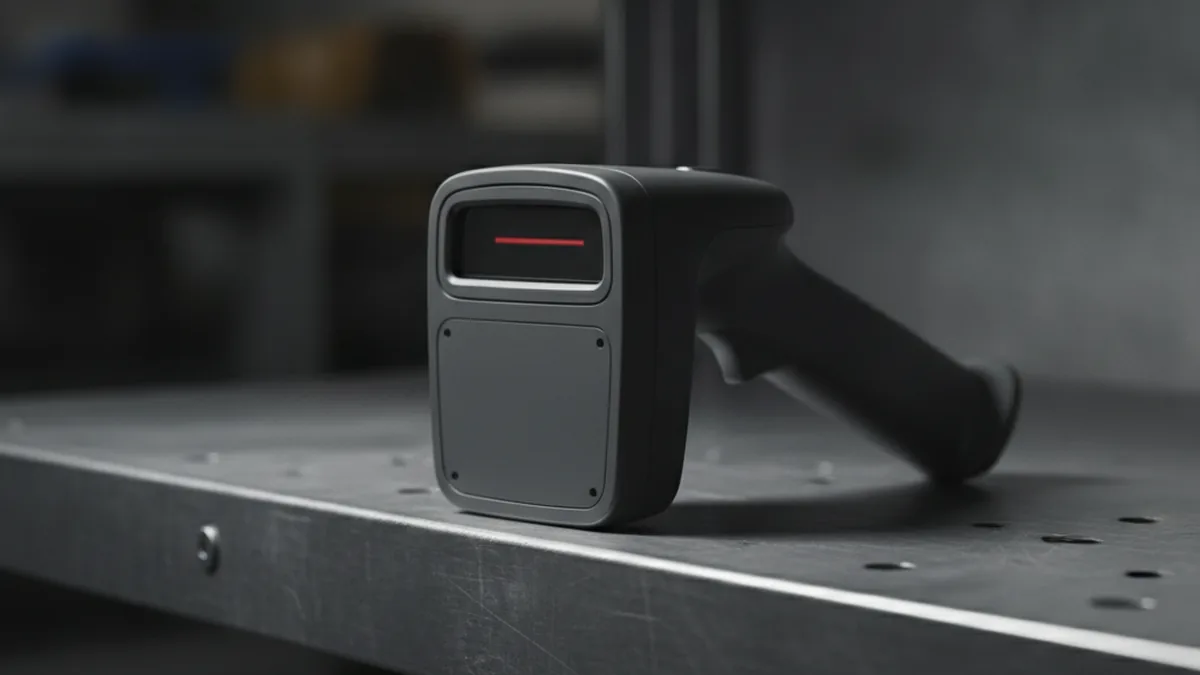
Identification hardware is table-stakes, but the right choice depends on the storeroom's layout and transaction volume more than on any single technology being universally better.
- Barcode and QR via smartphone camera: the lowest-cost option, running on standard or rugged phones the plant may already issue. Reliable for single-item lookups, but requires line of sight and one scan per item.
- Dedicated handheld barcode scanners: faster and more durable than a phone camera for continuous, high-volume picking, at a higher per-device cost.
- RFID: the only option that reads multiple tagged items at once without line of sight, useful for rapid bin counts, but with higher cost per tag and reader.
A storeroom doing mostly single-part pulls rarely needs RFID's throughput advantage. A high-volume consumables crib doing frequent full-bin cycle counts is where that advantage pays for the added cost.
Wiring the App Into CMMS, ERP, and Work Orders Without Duplicating Data
The fastest way for a custom inventory app to fail isn't a bad data model or missing hardware, it's creating a second, independent copy of the part master that drifts away from the ERP or CMMS the rest of the plant already relies on.
Single source of truth and integration patterns
One system should own the part master record, usually the ERP if one exists, or the CMMS if parts and work orders already live there. The mobile app should read and write through an integration layer rather than maintaining its own authoritative copy. Two patterns cover most cases: event-driven sync, where a change in either system fires a near-real-time update to the other, and batch sync, where changes reconcile on a schedule. Event-driven sync keeps drift to a minimum and is worth the added effort anywhere a stale count, a part showing available in the app but already consumed in the ERP, would send a technician chasing a part that isn't there. The same integration question comes up a layer up the stack when choosing an asset platform, covered in our guide to choosing or building the right asset platform.
Role-Based Access and Audit Trail: What a Mobile Inventory App Needs for Compliance
Who can pull, adjust, or write off inventory is a compliance question, and it's a part of the architecture that's easy to underbuild if the focus stays on scanning and sync.
- Role-based permissions: a technician pulling parts against a work order needs a different permission set than a planner adjusting a reorder threshold or a supervisor writing off scrapped inventory. Flattening everyone into one level makes it impossible to limit who can alter a count without a corresponding transaction.
- Audit trail: every pull, adjustment, or write-off should log who made it, when, from which device, and against which work order or reason code, the record a compliance audit will ask for after a discrepancy.
- Shift and technician attribution: tying every transaction to a specific individual and shift, rather than a shared storeroom login, is what makes the audit trail useful for tracing a discrepancy back to its source.
The same role-based access and audit requirements extend into the broader frontline workforce, covered in more depth in our guide to connected worker platform architecture for manufacturing engineering teams.
Common Mistakes When Building a Custom Spare-Parts Mobile App
- Building without offline-first from day one. Adding offline support after the app already assumes a live connection for every write is a rebuild, not a patch, and it's the mistake with the highest cost to fix late.
- Letting the mobile app become a second source of truth. An inventory count that can diverge between the app and the ERP erodes trust in both systems the first time a technician finds a part the app says is there and the ERP says isn't.
- Scanning without location validation. A scan that records a part pull without confirming it came from the expected bin lets location errors accumulate silently until a cycle count surfaces them all at once.
- Ignoring the serialized-parts case until it breaks something. Teams that design only for bulk consumables and bolt on serialized tracking later usually end up with two incompatible schemas instead of one that handled both from the start.
Need a mobile inventory app built around your storeroom's actual layout and your existing ERP, not a generic parts module? Discuss Your Project →
Frequently Asked Questions
What's the difference between a CMMS parts module and a custom mobile inventory app?
A CMMS parts module is a generic inventory screen built to fit a wide range of plants, with a data model and workflow the vendor already fixed. A custom mobile inventory app lets an engineering team define its own entities, such as how serialized and bulk parts are tracked or how bins map to a specific storeroom layout, and wire the sync and integration logic to match the plant's actual ERP and work-order system instead of adapting the plant to the software.
Can a mobile spare-parts app work fully offline?
Yes, if it's built offline-first from the start. The app stores the parts catalog, bin locations, and recent transactions locally on the device and queues every scan or count as a pending change, so a technician in a shielded storeroom or a remote line with no signal can still pull and log parts; the queue syncs automatically once connectivity returns.
How do you prevent duplicate part records between the mobile app and ERP?
Treat one system, usually the ERP or CMMS, as the single source of truth for the part master, and have the mobile app read and write through an integration layer rather than keeping its own independent copy. Event-driven sync, where a change in either system fires an update instead of running a nightly batch import, keeps the two from drifting apart and creating duplicate or conflicting SKUs.
Should serialized and bulk parts use the same data model?
No. A serialized part, such as a specific pump or gearbox with its own unit ID, needs a record that tracks that individual unit's location, install date, and history. A bulk or consumable part, like bolts or gaskets, only needs a quantity at a bin location with a reorder threshold. Forcing both into one generic "item" table makes the app either bloated for simple consumables or unable to answer where a specific serialized unit actually is.
What hardware do technicians need to scan parts on the shop floor?
The choice usually comes down to a smartphone or rugged device with a camera reading QR or barcode labels, or a dedicated handheld scanner with RFID support. Camera-based barcode scanning is cheap and works with standard phones; RFID costs more per tag and reader but can read multiple items at once without line of sight, which matters more for bulk bin counts than for single-part lookups.
How long does it typically take to build a custom spare-parts mobile app?
There's no fixed number, because the timeline depends heavily on how many systems it needs to integrate with and how complex the offline conflict-resolution rules need to be. A narrow pilot covering one storeroom with a simple data model moves faster than a plant-wide rollout syncing against an existing ERP and multiple CMMS work-order types; scope those two factors first before estimating a schedule.
Based on established offline-first and local-first software design patterns (local write queues, conflict resolution strategies, event-driven integration) and standard inventory and asset-tracking data modeling practices.