
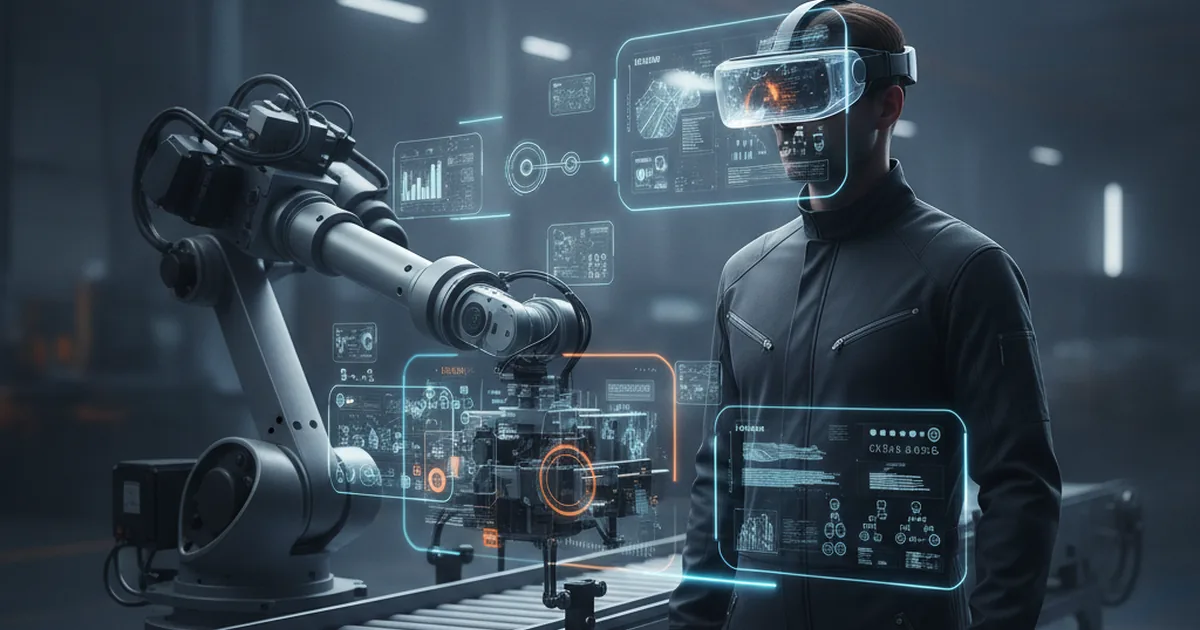
A technician staring at an unfamiliar fault code used to mean a phone call to a specialist, a wait for a manual, or a flight for an expert who may not arrive for days. Augmented reality changes that sequence: the headset overlays live sensor data and step-by-step repair instructions directly onto the equipment the technician is already looking at, turning a call-and-wait workflow into a guided, hands-free one. Virtual reality solves a different but related problem — it lets a new hire practice a high-risk procedure as many times as needed before ever touching the real machine. Together, AR and VR are becoming standard tools on the smart factory floor, and the IIoT data pipeline that already feeds predictive-maintenance dashboards is the same pipeline that makes a useful AR overlay possible. The AR/VR development teams building these overlays, like YuSMP Group, are increasingly embedding live sensor feeds directly into the headset view rather than shipping static instruction sets.
TL;DR
AR headsets overlay live sensor data and step-by-step repair instructions directly onto equipment, cutting diagnostic and repair time. VR lets new technicians practice high-risk procedures without touching real machinery. Together they shorten mean-time-to-repair, reduce training ramp-up, and are increasingly paired with AI for automated fault guidance.
What Do AR and VR Actually Do on the Factory Floor?
Augmented reality and virtual reality solve different problems, and conflating them is the most common planning mistake. AR keeps the real world in view and overlays digital information on top of it — a repair checklist pinned next to the bolt it refers to, a sensor reading floating above the sensor itself, a remote expert's pointer drawn onto the exact component they are describing. VR replaces the real environment entirely with a simulated one, which is precisely why it is unsuitable for live repair work but ideal for training: a trainee can "break" a simulated turbine a hundred times without risking a real one. The two technologies are complementary, not competing — most mature deployments run both, assigned to the tasks each one actually fits.
Key Applications: Where AR/VR Deliver Value Today
Real-time diagnostics with sensor data overlays
AR headsets paired with an IIoT data feed show a technician live readings — vibration, temperature, pressure — positioned directly over the component generating them. Instead of cross-referencing a tablet dashboard against the physical machine, the technician sees the anomaly in context: a bearing running hot glows red in the field of view exactly where the hot bearing is.
Remote expert assistance and live annotation
A technician on site streams their first-person view to a remote specialist, who draws arrows, circles, and notes directly onto the live video feed. The on-site technician sees those annotations through the headset, hands free, without holding a phone or laptop. This single use case is often the first AR deployment a factory adopts, because it replaces expensive travel with a video call that is more useful than an ordinary one.
Step-by-step guided repair instructions
Instead of a PDF manual, the repair procedure is broken into steps that appear one at a time, anchored to the physical part they describe — "remove these four bolts" with arrows pointing at the actual bolts. This format reduces procedural errors on unfamiliar equipment and gives less experienced technicians a reliable path through repairs that would previously have required a senior colleague.
VR-based technician training and onboarding
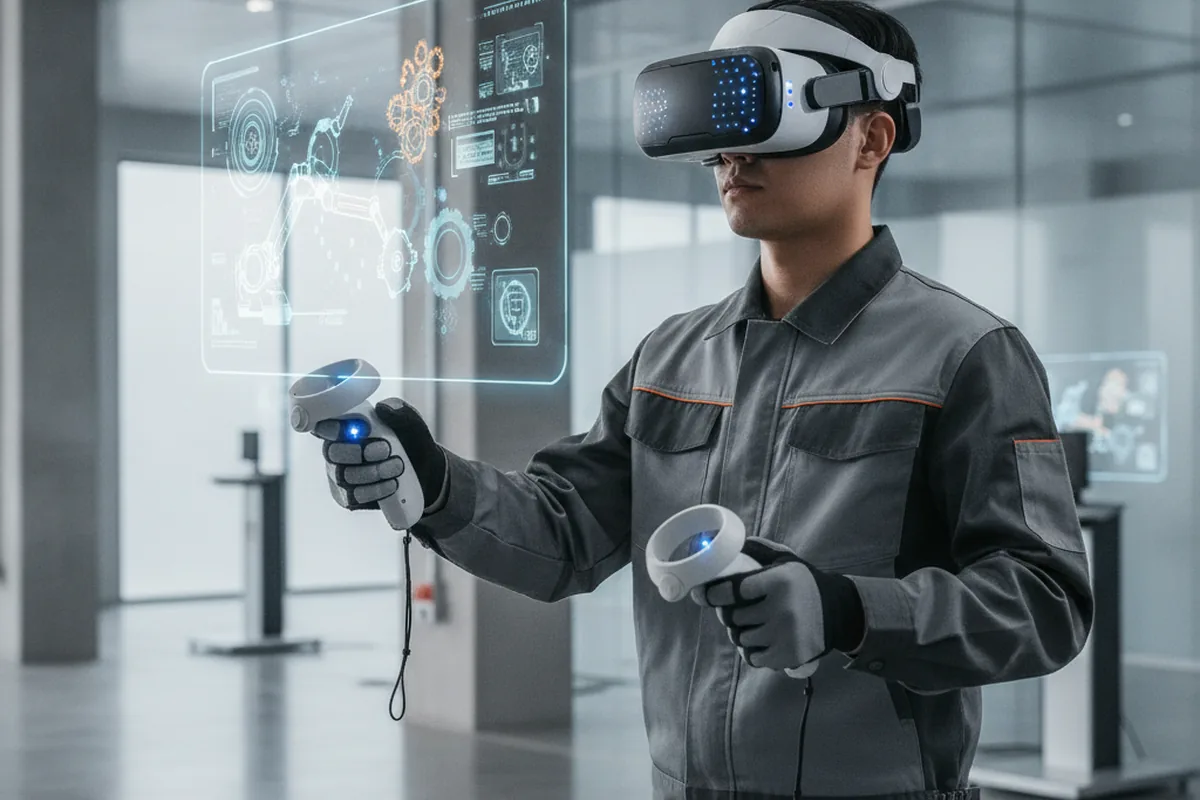
New hires rehearse disassembly sequences, lockout-tagout procedures, and emergency responses inside a simulated version of the plant before they are let near the real equipment. Rare but high-consequence scenarios — an arc flash, a pressure-vessel failure — can be practiced repeatedly in VR, something that is simply not possible to rehearse safely on live equipment.
What Measurable Benefits Do Factories Actually See?
Faster mean-time-to-repair
When diagnostic data and repair instructions are overlaid directly on the equipment, technicians spend less time locating information and more time acting on it. Across the published case studies from AR maintenance vendors, repair and diagnostic time reductions are a recurring theme — the exact percentage varies by workflow and equipment complexity, so treat any single-vendor figure as a case-specific result rather than a guaranteed outcome, and measure your own baseline before and after a pilot.
Fewer errors, safer operations around hazardous equipment
Step-by-step, hands-free guidance reduces the chance a technician skips a step or misidentifies a component, particularly on unfamiliar equipment. For hazardous procedures — energized electrical work, confined-space entry preparation, pressurized-system isolation — AR checklists that will not advance until a step is confirmed add a structural safeguard that paper checklists cannot enforce.
Shorter ramp-up time for new technicians
VR training compresses the exposure a new technician would otherwise only get by shadowing senior staff over months, and it works around the scheduling problem of rare failure modes — a trainee does not have to wait for a specific fault to occur naturally to practice responding to it.
Implementation Challenges — and How to Manage Them
Hardware cost and realistic ROI timeline
Rugged, industrial-grade AR headsets cost meaningfully more than consumer VR gear, and software is typically licensed per seat per month on top of that. The realistic path is a narrow pilot — one workflow, one small technician group — that produces a measurable before/after comparison, rather than an enterprise-wide rollout funded on projected savings alone.
Integrating AR/VR with legacy SCADA, MES, and ERP systems
An AR overlay is only as useful as the data behind it, and most of that data lives in systems that were never designed to expose a live feed to a headset. The practical fix is the same gateway pattern used for any MES/ERP integration: a middleware layer that translates legacy protocols (Modbus, PROFINET, proprietary SCADA tags) into OPC UA, MQTT, or a REST API the AR platform can consume, rather than building point-to-point connections per headset.
Data security for operational information overlaid in the field
A headset streaming live production data and video from the plant floor is another endpoint on the OT network, and it should be governed by the same access control, encryption, and segmentation policy as any other industrial client — not treated as a special case because it is new or unfamiliar to the security team.
How to Pilot AR/VR Maintenance in Your Factory
- Pick one high-frequency, high-cost repair workflow as the pilot. A narrow, well-understood problem produces a clean before/after comparison.
- Audit the sensor/data sources that would feed the overlay. Confirm the data already exists and is reachable before buying any hardware.
- Choose AR (overlay) vs VR (simulation) based on the use case — see the comparison table below for which fits live repair work versus training.
- Run a 4–6 week pilot with a small technician group and measure MTTR before/after. A small group gives faster, more honest feedback than a plant-wide rollout.
- Integrate with existing SCADA/MES/ERP data feeds rather than building a silo. A standalone AR deployment that cannot see live production data loses most of its value within a few months.
- Scale to additional workflows once ROI is validated. Expand to the next-highest-value repair pattern, not to every possible use case at once.
AR vs VR vs Digital Twin: Choosing the Right Tool
These three technologies are often discussed together because they share the same underlying data pipeline, but they answer different questions. A digital twin predicts when a failure will happen; AR guides the technician through fixing it once it does; VR trains the technician before either situation occurs.
| Technology | Best for | Limitation |
|---|---|---|
| AR (overlay) | Live repair guidance, remote assistance | Needs a reliable live data feed |
| VR (simulation) | Risk-free training, onboarding | No real-time production data |
| Digital Twin | Predictive maintenance, simulation at scale | Requires mature data infrastructure |
What's Next — AI-Assisted AR and Autonomous Guidance?
The next step beyond static AR checklists is pairing the overlay with an AI model that interprets sensor patterns in real time and suggests a diagnosis rather than waiting for a technician to recognize the fault signature. Instead of a fixed instruction tree, the headset could surface a probable root cause and the relevant repair steps automatically, narrowing the gap between detection and action — the same shift already underway in predictive-maintenance platforms, now extended to the point of physical repair.
Planning an AR/VR maintenance or training pilot for your production floor? Explore YuSMP Group's AR/VR development services →
Frequently Asked Questions
- What is the difference between AR and VR in industrial maintenance?
- AR overlays digital information — sensor readings, repair steps, annotations — on top of the real equipment a technician is looking at. VR replaces the real environment entirely with a simulated one. Maintenance teams use AR for live repair guidance and VR for risk-free training and onboarding.
- How much does an AR maintenance pilot typically cost?
- A small pilot — a handful of AR headsets, remote-assistance software licenses, and integration with one or two data feeds — is the main cost driver. Hardware ranges from a few hundred to several thousand dollars per headset depending on ruggedization and display quality, with software typically licensed per seat per month. Scoping a single high-frequency repair workflow first keeps the pilot cost and timeline manageable.
- Can AR work with legacy SCADA and MES systems?
- Yes, but it requires a data integration layer. AR overlays are only as useful as the live data feeding them, so legacy SCADA and MES systems need a gateway or middleware that exposes their data through a modern protocol (OPC UA, MQTT, or a REST API) the AR platform can consume. Building this bridge, rather than a standalone AR silo, is the main technical challenge of a rollout.
- Does AR training actually reduce technician ramp-up time?
- Yes. VR simulations let new technicians repeat high-risk or rarely-occurring procedures as many times as needed without touching live equipment or waiting for the right failure to occur naturally. AR-guided, step-by-step instructions on the job further shorten the time between hire and independent, confident work on real machinery.
- What industries are adopting AR/VR maintenance fastest?
- Manufacturing, energy and utilities, automotive, aerospace, and oil and gas lead adoption. These industries share two traits that make AR/VR pay off quickly: equipment where downtime is expensive, and a high reliance on specialized technician expertise that is expensive to train or difficult to keep on every site.
- Is AR maintenance data secure?
- Security depends on how the AR platform is integrated, not on AR itself. Because headsets pull live operational data from SCADA, MES, or ERP systems, the same access-control, encryption, and network-segmentation practices used for any industrial data integration apply. Treat the AR platform as another client on the OT network, not an exception to existing security policy.